How to Make Money in My KPOP Shop
Turn stocked shelves, timed codes, staff, and friends into steady cash and better unlocks.
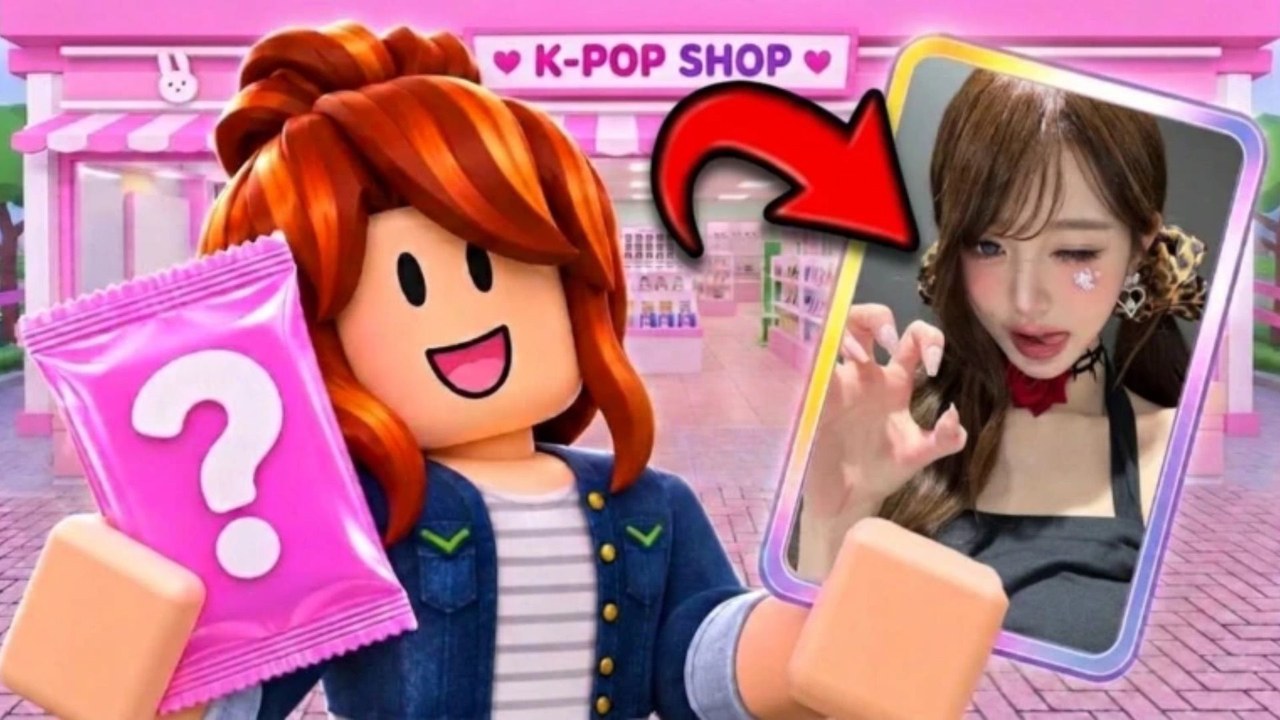
Cash in My KPOP Shop comes from running a living store: shelves full of packs, albums, and lightsticks, fans served quickly at the register, thieves stopped before they wipe displays, and upgrades that raise what you can sell. This guide focuses on the money loop—sales flow, restocking priority, when to pop 2x codes, friend bonuses, offline earnings, leveling for better products, and sales rankings—so every session grows the shop instead of spinning in place.
If you are brand new, finish Getting Started first, then return here with codes redeemed and a basic floor plan in mind.
The sales loop that actually pays
Money starts on the shelf. Fans need something to buy; empty displays mean a quiet register no matter how fast you click. Restock before the queue forms, serve the line, then restock again during lulls. Treat restocking as part of selling, not a chore you do only when everything is already empty. Popular items should stay visible; niche stock can wait if cash is tight.
Serving at the register converts interest into dollars. Do not abandon a long line to rearrange furniture. Decorations and themes help appeal over time (see Decorate & Group Themes), but they do not replace product on hooks. When you have surplus after a stable restock budget, spend on photocard packs for binder progress and extra sellable inventory—details in Photocard Packs & Binder.
Theft is silent profit loss. Every stolen unit is a sale you never rang up and a restock you must buy again. Catch thieves yourself early, then hire a guard when chasing them costs more than the wage. Pair this page with How to Catch Thieves and How to Hire Staff.
Restocking priority
When cash is limited, prioritize in this order:
- Fill empty high-traffic shelves so the register has something to sell.
- Replace stolen or sold-out bestsellers before expanding into new SKUs.
- Add albums and lightsticks as levels unlock better products.
- Buy packs for binder and flip value only after the floor can stay stocked through a rush.
A restocker NPC changes this math: once hired, you can stay on the register or hunt thieves while shelves refill. Until then, short restock trips between customers beat heroic all-day cashier shifts with barren walls.
Timing 2x money codes
Active codes such as 250LIKES and MONEYPLEASE grant 2x money for 30 minutes. KPOPSHOP is flat cash ($150) and is perfect for an emergency restock. Full lists and redemption steps live on the Codes Hub—always redeem in Settings.
Use multipliers when you are about to:
- Run a busy register with stocked shelves
- Play with a friend already giving you the co-op bonus
- Clear a backlog of customers after a restock
Avoid activating 2x while AFK in a menu, while shelves are empty, or right before you log off. Thirty minutes is enough for a focused session; stack preparation (stock + staff + maybe a friend) before you redeem.
Community milestones often tease the next codes around 2500 likes and 5000 favorites. Watch Discord announcements so you do not miss limited windows.
Friend bonus: +10% per friend
Online co-op is not only more fun—it is a pay raise. Invite a friend to work in your shop; each friend on your server adds +10% earnings. Two focused players can cover register and restock (or register and thieves) while the bonus multiplies every sale. Etiquette and role splits are in Co-op & Friends. Combine friend bonus with a 2x code for short, high-output grinds when you both have time.
Offline earnings and daily rewards
My KPOP Shop grants offline earnings so progress continues while you are away, and daily rewards for logging in. Claim dailies at the start of every session—they are free cash and momentum. Offline pay rewards shops that were healthy when you left: stocked shelves and hired help matter more than a pretty empty lobby. Before you quit, restock once, make sure staff are assigned, and avoid leaving the floor in a stolen-out state.
Level up for better products and furniture
Leveling unlocks stronger products and furniture. Better SKUs mean higher sale value and more reasons for fans to browse; furniture supports expansion and themed layouts that keep the shop feeling fresh. Do not chase cosmetics before the money loop is stable, but do spend levels intentionally: unlock sellable upgrades that raise average ticket size, then invest in display pieces that support your favorite group themes.
Compare what is worth pushing first on the Tier List Hub as meta notes grow. Early on, anything that keeps shelves full and fans paying beats rare vanity.
Sales rankings
Sales rankings track how your shop performs against others. Treat them as a scoreboard for healthy loops: consistent restock, fast service, low theft, and smart use of codes and friends. Chasing rank with empty shelves or ignored thieves backfires. Use rankings as feedback after a good session, not as a reason to skip basics.
Session plan for steady cash
- Claim daily rewards; redeem codes if any are new.
- Restock empty shelves; hire or check staff assignments.
- Invite a friend if available for the +10% co-op bonus.
- Activate a 2x money code only when ready to sell hard for up to 30 minutes.
- Serve, restock, and catch thieves; spend surplus on packs and unlocks.
- Before logout, restock again so offline earnings have a healthy shop to work with.
Common money mistakes
- Redeeming 2x codes with empty shelves
- Buying only packs while the register starves
- Ignoring thieves until the floor is bare
- Hiring nobody and burning the whole session on one role
- Decorating heavily before stock and staff are stable
- Logging off mid-theft chaos and wondering why offline pay felt weak
Fix those, and My KPOP Shop’s loop—stock, serve, protect, hire, expand—prints cash reliably on PC, mobile, or console through Roblox. For binder-focused spending after the shop is profitable, continue with packs; for layout and group themes once cash is comfortable, open the decorate guide.
Frequently Asked Questions
Quick answers for My KPOP Shop players.
What is the fastest way to make money early?
Redeem KPOPSHOP and any 2x codes from Settings, stock shelves first, serve fans quickly, and stop thieves. Hire a restocker or cashier as soon as the wage is cheaper than the sales you lose multitasking.
When should I use 250LIKES or MONEYPLEASE?
Activate those 2x money codes for 30 minutes when shelves are full and you are ready to work the register—ideally with staff or a friend already helping.
How does the friend earnings bonus work?
Invite a friend to work in your shop. Each friend on your server grants +10% earnings, stacking with good stock and timed multipliers.
Do offline earnings replace playing?
No. Offline earnings add progress while you are away, but strong sessions, daily rewards, rankings, and unlocks still come from active play with stocked shelves.
Should I buy photocard packs for profit?
Packs support binder goals and the shop catalog. Buy them with surplus after restock and staff needs are covered so sales do not stall.