Codes
Working My KPOP Shop codes (Nov 2026, rechecked Nov 22): KPOPSHOP cash, 250LIKES & MONEYPLEASE 2x Money, Settings redeem steps.
View all CodesLive on Roblox · Fan Wiki
Roblox codes, staff tips, and shop growth guides for My KPOP Shop.
Unofficial My KPOP Shop Roblox wiki for working codes, staff priority, photocard packs, and shop growth tips that speed up every session.
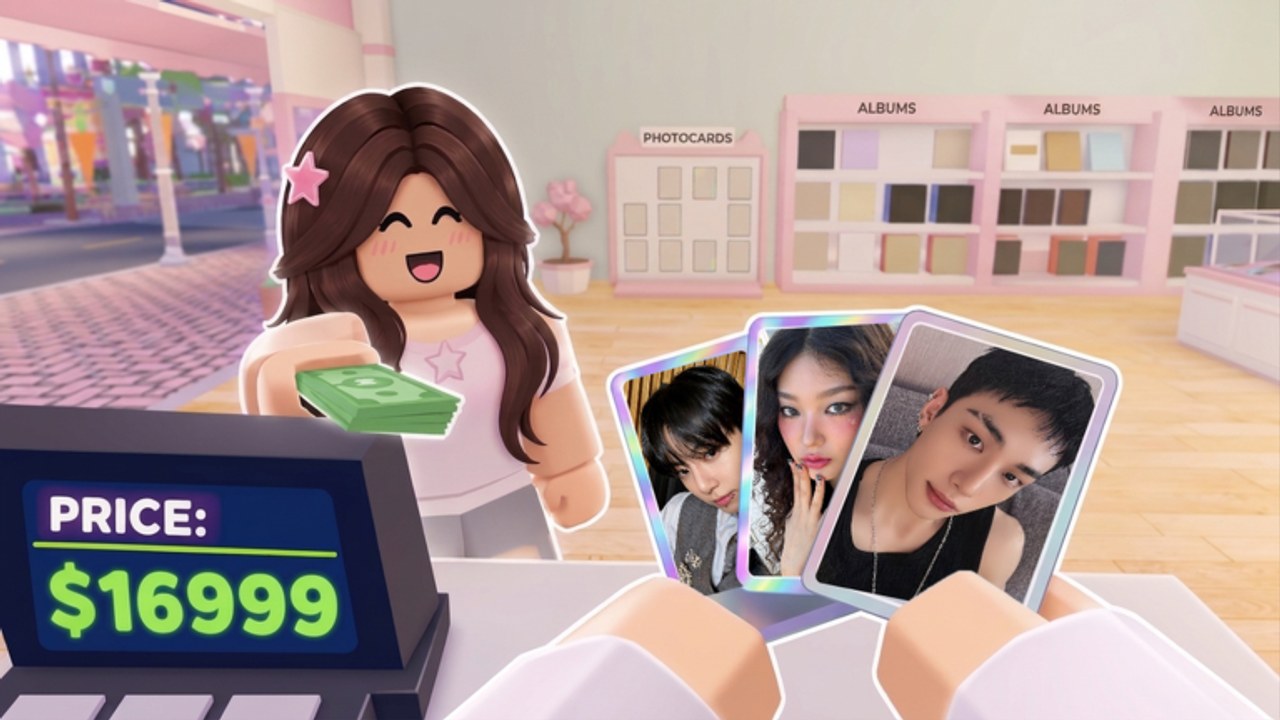
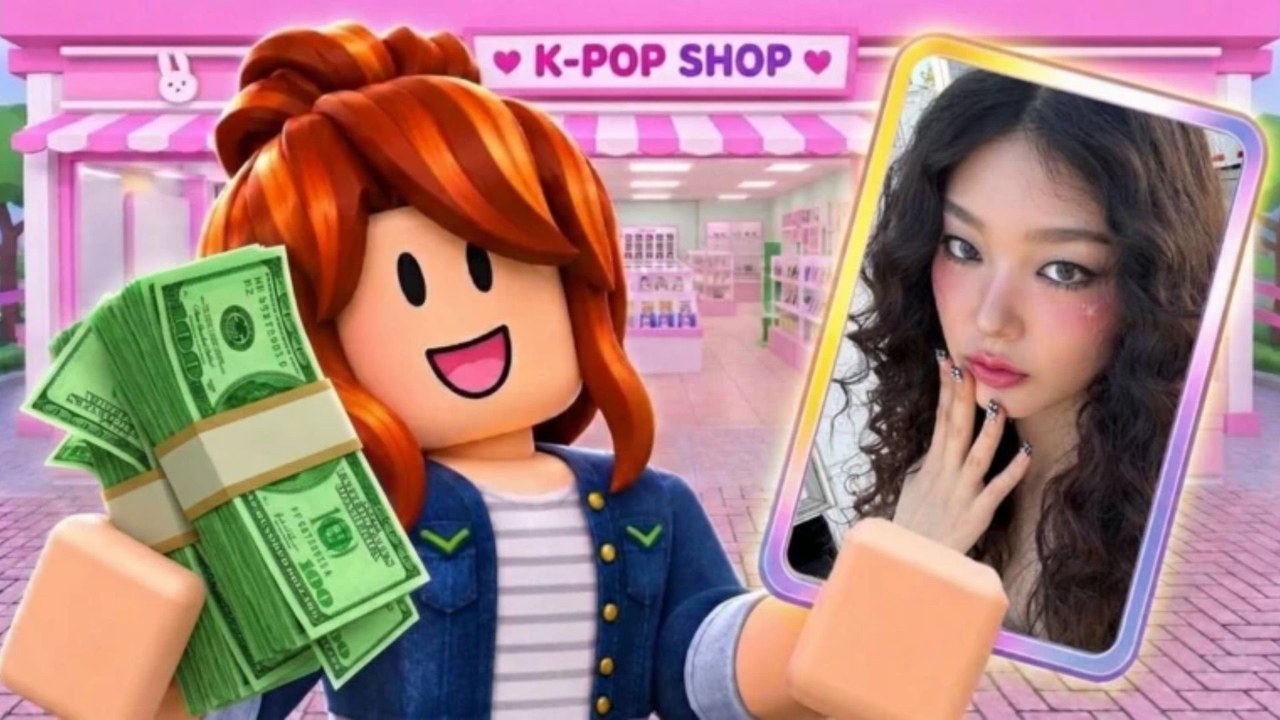
My KPOP Shop is a Roblox simulation where you run a merch store packed with photocards, albums, and lightsticks. Stock the shelves, ring up fans, stop thieves, hire a restocker, cashier, and guard, then decorate with your favorite group theme. Open packs to fill your binder, level up for new products and furniture, invite a friend for co-op, and stack a +10% earnings bonus for each friend on your server. Start with the Getting Started guide, redeem codes, then check the staff priority tier list and money guide.
Working My KPOP Shop codes (Nov 2026, rechecked Nov 22): KPOPSHOP cash, 250LIKES & MONEYPLEASE 2x Money, Settings redeem steps.
View all CodesMy KPOP Shop guides hub: restock, controls, daily rewards, leveling, super fans, staff, thieves, packs, themes, co-op, and money loops.
View all GuidesMy KPOP Shop tier list hub ranking staff hire order and product investment priority for early and mid-game shop growth and spending.
View all Tier ListMy KPOP Shop players hub covering sales rankings, +10% friend bonus stacking, co-op etiquette, and competing without griefing shops.
View all PlayersMy KPOP Shop updates: Oct 22 launch, Nov 22 UPD notes, weekly cadence, codes, like/fav milestones, Discord tracking tips.
View all UpdatesHonest My KPOP Shop scripts status: no verified public scripts yet, safety warnings, how to evaluate future tools, and feature wishlist.
View all ScriptsMy KPOP Shop checklist tools: daily login, first-hour plan, pre-2x boost prep, and shop health checks for stock, staff, thieves, décor.
View all ToolsOfficial My KPOP Shop Roblox links: game page, Chuuves group, Discord invite, wiki hubs for codes, guides, updates, and tier lists.
View all LinksOpen the [Roblox game page](https://www.roblox.com/games/128223803884544/My-KPOP-Shop), enter a server, and claim daily rewards before you start stocking shelves.
Open Settings, paste codes from the Codes Hub such as KPOPSHOP and 250LIKES, then spend the boost while shelves are full.
Follow the hire staff guide and staff priority tier list so restocking, checkout, and thieves stay covered.
Use the photocard packs and decorate themes guides to grow your binder and theme the store.
Bring a friend with the co-op guide to split jobs and stack the +10% earnings bonus covered on the players hub.
Quick answers for My KPOP Shop players.
Read the Getting Started guide, redeem codes, then hire staff using the staff priority list.
Join a server, open the Settings menu, paste a code exactly, and confirm. Full steps live on the Codes Hub.
Yes. Invite a friend to work in your shop and earn +10% earnings per friend on your server. See the co-op guide.
This wiki supports: English, Français, Deutsch, Español, Português (BR). Configure locales in site.meta.json and run npm run generate:i18n.
No. This is an unofficial fan resource. Confirm codes and updates on the Roblox page and the official Discord linked from the Links Hub.
Keep shelves stocked, time 2x codes during busy sales, hire the right staff, and use the make money guide with the product priority list.
Claim active codes, follow the Getting Started checklist, then optimize staff with the tier list and keep shelves full using the money guide.
Start with the beginner guide