My KPOP Shop Guides Hub
Stock, serve, hire, level up, handle super fans, and grow your K-pop shop from day one.
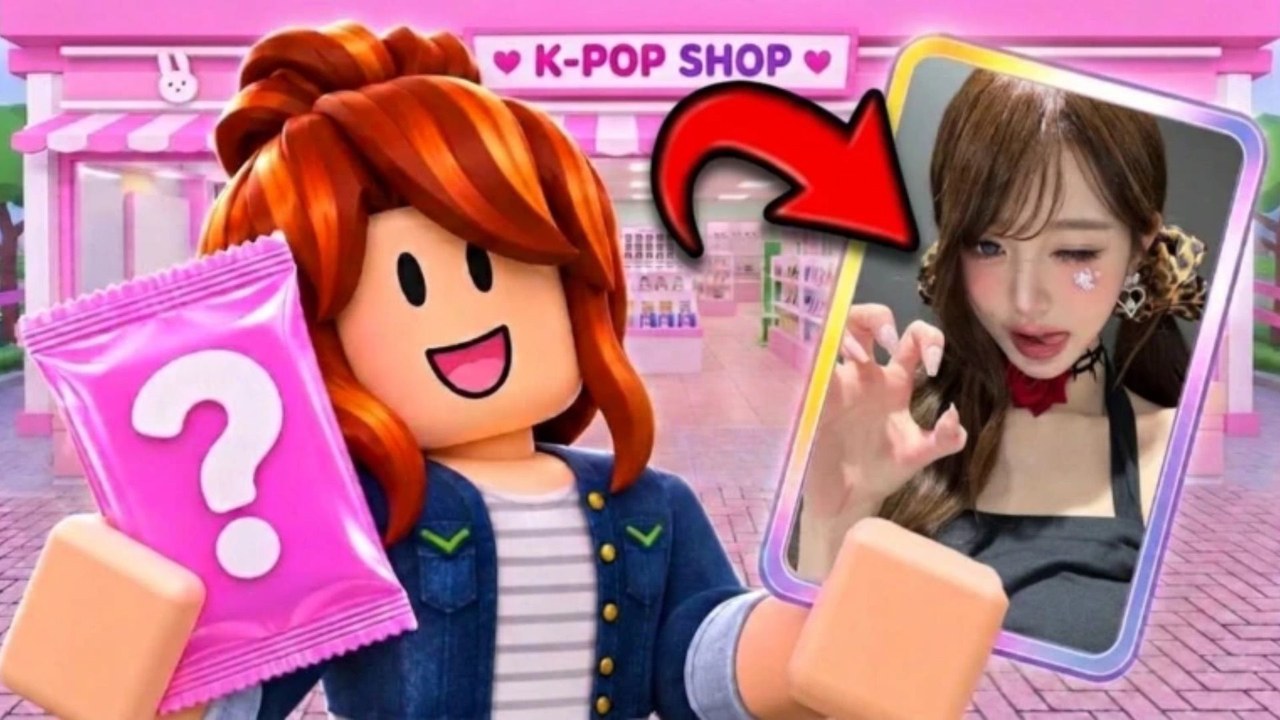
Welcome to the Guides Hub for My KPOP Shop (also titled My KPOP Shop!), the Roblox simulation shop tycoon from the Chuuves group. This hub is the map for every how-to on the wiki: first-hour setup, controls, restocking, daily rewards, leveling, super fans, money loops, staff roles, thief defense, photocard packs, shop themes, and co-op with friends. Use it when you need a clear next step instead of guessing at the register.
The game loop is simple to learn and deep to master. You stock shelves, serve fans at the register, catch thieves before they empty your displays, hire a restocker, cashier, or guard when you can afford help, open photocard packs toward a complete binder, sell packs, albums, and lightsticks, then expand and decorate with favorite group themes while you level up for better products and furniture. Online co-op lets a friend work in your shop, and each friend on your server adds a +10% earnings bonus. Daily rewards, offline earnings, and sales rankings keep progress moving even when you are short on time.
Start here
New owners should begin with the Getting Started guide. It covers joining the place, claiming daily rewards, redeeming codes in the Settings menu, stocking shelves, serving customers, opening your first packs, and hiring your first helper. Pair it with the Codes Hub so you do not miss KPOPSHOP, 250LIKES, and MONEYPLEASE while they still work.
Once the shop is open, jump into How to Make Money for sales priority, restock order, timing for 2x money codes, friend bonuses, offline earnings, leveling for better products, and sales rankings. That page links out to packs, staff, co-op, and the Tier List Hub when you want to compare what is worth stocking first.
Staff, thieves, and security
Running everything alone burns time. How to Hire Staff explains the restocker, cashier, and guard roles, when each hire pays for itself, and how staffing frees you to open packs or decorate. Theft is the other half of that problem: How to Catch Thieves shows how to spot thieves versus real fans, why a guard matters, how empty shelves hurt sales, and solo tips until you can hire help.
Packs, themes, and co-op
Collectors should read Photocard Packs & Binder for pack opening, binder completion, rare pulls, and how packs sit inside the shop economy. When you are ready to grow the floor plan, Decorate & Group Themes covers expansion, furniture unlocks by level, theming after favorite groups, and customer appeal. Friends who join you should open Co-op & Friends for invites, division of labor at the register versus restock versus thieves, the +10% per friend bonus, and basic etiquette. For roster-style notes and player-facing tips, browse the Players Hub after you understand the loop.
How to use this hub
Pick one guide per session and finish its checklist before opening another. Cross-links inside each article point to sibling pages so you can move from money → staff → thieves → packs without hunting the nav. Check Updates after patches for new products, furniture, or code teasers (community goals often mention 2500 likes and 5000 favorites). Join the official Discord from the codes and updates pages when you want live announcements.
Platforms are Roblox on PC, mobile, and console through the Roblox client, with online co-op. The experience launched around 2026-10-22 and stays in active update. Keep this hub bookmarked; every guide below is written for real play sessions, not filler checklists.
Guide index
- Getting Started — first hour from join to first hire
- How to Make Money — sales, restock, codes, offline, rankings
- How to Hire Staff — restocker, cashier, guard timing
- How to Catch Thieves — spotting theft and solo defense
- Photocard Packs & Binder — packs, rares, binder goals
- Decorate & Group Themes — expand, unlock furniture, theme
- Co-op & Friends — invites, roles, +10% earnings bonus
- Controls & UI — Settings, prompts, PC and mobile tips
- Restock Shelves — keep albums and lightsticks on display
- Daily Rewards & Offline — login claims and AFK earnings
- Level Up & Unlocks — products and furniture by level
- Super Fans Requests — special requests and VIP sales
Frequently Asked Questions
Quick answers for My KPOP Shop players.
Which My KPOP Shop guide should I read first?
Start with Getting Started for the first-hour loop, then How to Make Money and the Codes Hub so you redeem KPOPSHOP and the 2x money codes early.
Do these guides cover co-op and staff?
Yes. Hire Staff and Catch Thieves cover NPC helpers and theft; Co-op & Friends covers inviting a friend and the +10% earnings bonus per friend on your server.
Where do photocard packs fit in the guides?
Use Photocard Packs & Binder for opening, binder completion, and economy tips. Cross-links point to Make Money, Tier List, and Codes.
Is My KPOP Shop only on PC?
No. It runs on Roblox for PC, mobile, and console, with online co-op so a friend can work in your shop.
Do you cover controls, dailies, and leveling?
Yes. Use Controls & UI, Daily Rewards & Offline, Level Up & Unlocks, Restock Shelves, and Super Fans Requests in addition to the original money and staff guides.